Real Time Content Auditing: group pages by search performance
Real Time Content Auditing groups URLs according to their search performance in the selected period. It gives you a starting point for reviewing low-traffic pages and comparing the distribution of stronger and weaker performers.
How to use it
- Open SEO Workspace → Content Tools → Real Time Content Auditing.
- Check the date range and any active filters.
- Start on Summary to see the counts and displayed classification rules.
- Open Trends or a group such as Weak, Dead or Opportunity.
- Review the page rows and their clicks, impressions, CTR and average position.
- Investigate the page and its queries before assigning an action.
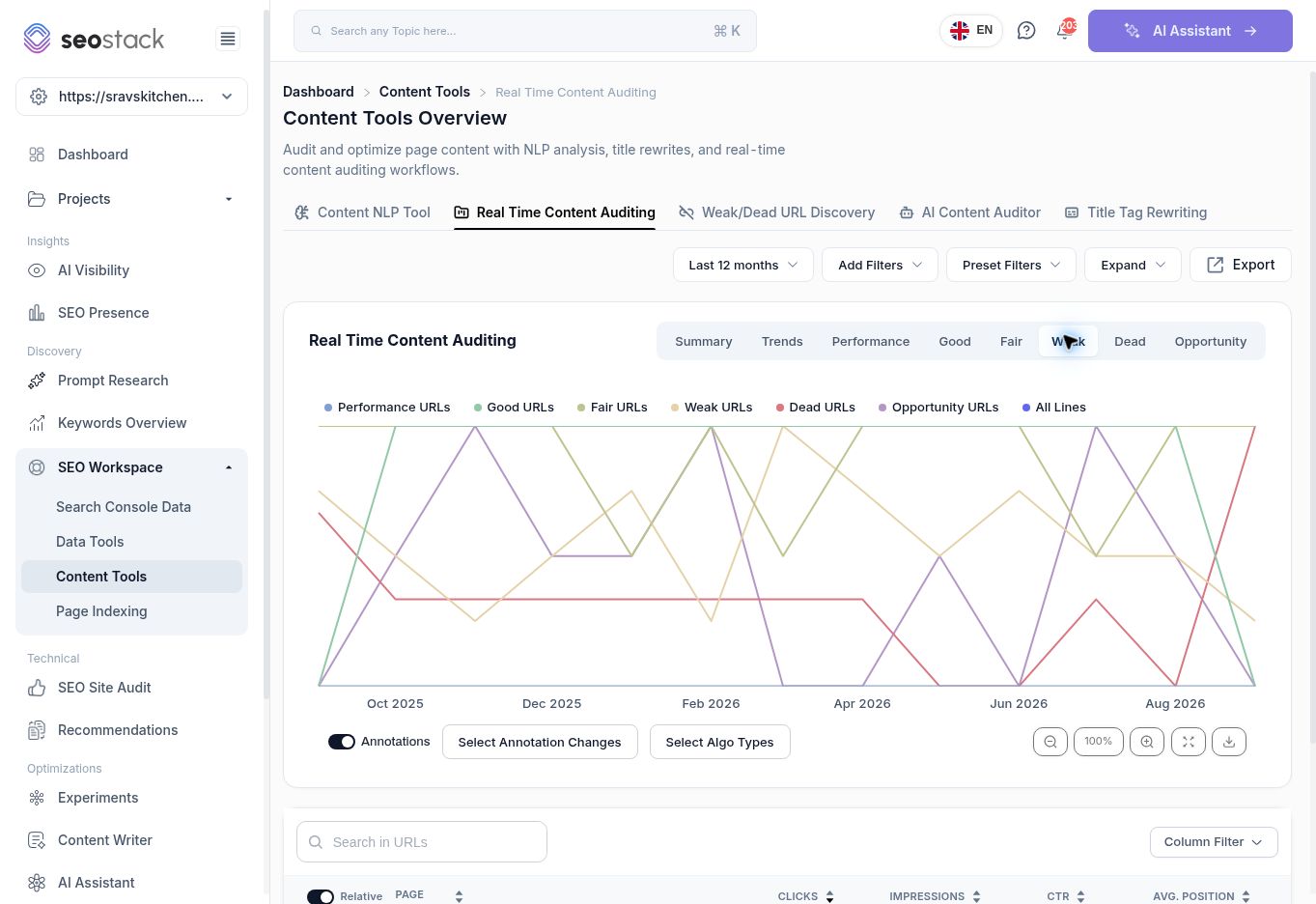 Weak segment in Real Time Content Auditing.
Understand the classification labels
The reviewed Summary displayed these rules:
| Group | Rule displayed |
|---|---|
| Performance | 1000+ clicks |
| Good | 101–1000 clicks |
| Fair | 11–100 clicks |
| Weak | 1–10 clicks |
| Dead | 0 clicks, fewer than 100 impressions |
| Opportunity | 0 clicks, more than 100 impressions |
These are the visible labels; the exact boundary at 1,000 clicks and at 100 impressions needs product confirmation. Do not infer undocumented inclusion rules at those boundaries.
The categories describe search-performance thresholds. They do not measure writing quality, commercial value or all-channel usefulness. Changing the period can change a page's group.
Example: evaluate a weak page
The reviewed Weak segment contained /gallery/ with 8 clicks, 2,993 impressions, 0.27% CTR and 2.87 average position over the selected twelve months.
Before recommending removal or a rewrite, inspect the actual queries and the gallery's role in helping visitors choose the restaurant. A gallery may support visitors arriving through another page even if it attracts few direct search clicks.
Useful workflows
Use Opportunity to find zero-click pages with reported exposure, then investigate query relevance and position. Use Weak and Dead to create a review queue. Use Trends to see changes in the group distribution while keeping the reporting period consistent.
The screen also provides URL search, Column Filter, export and annotation controls. A recommendation or a change next to an annotation is a reason to investigate, not proof of causation.
What not to conclude
“Dead” does not mean deleted, returning 404, or necessarily unindexed. “Good” does not guarantee good content or conversions. The tool name also does not establish that Google performance data has no reporting delay.
If a result looks unexpected, check the dates, filters, URL's purpose and available source data before making changes.