Knowledge Base
SEO StackKnowledge Base
Find answers, guides and best practices to make the most of SEO Stack’s powerful features.
Browse by category
- Website Overview: review your SEO and AI visibility performance
- Websites and Dashboard: choose a project and review your portfolio
- What is SEO Stack?
- How data warehousing works
4 articles
Open section- How to investigate a drop in organic search clicks
- How to prioritise and measure a content improvement
- How to investigate an AI visibility gap
3 articles
Open section1 article
Open section- A Guide to Using Google Search Console Data Tools
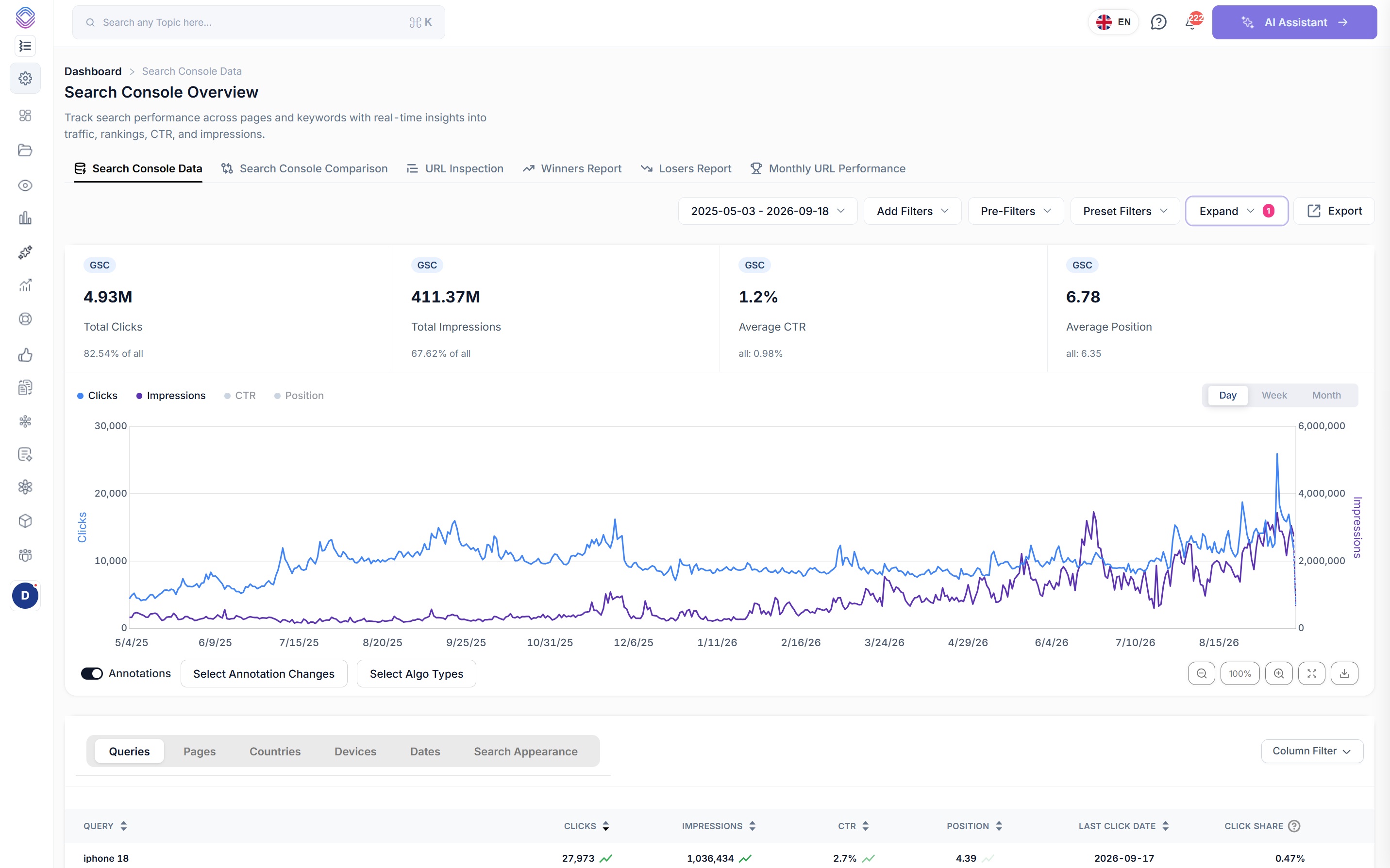
- Search Console Data: analyse queries, pages and search traffic
- Search Console Comparison: find what changed between two periods
- Winners Report: find queries and pages gaining clicks
- Losers Report: investigate declining queries and pages
- Monthly URL Performance: review page traffic over time
8 articles
View all 8- Query Row Count Tool: compare query coverage across pages
- URL Query Count Tool: track a page’s query coverage over time
- URL Query Intent Tool: understand the intent behind a page’s queries
- Query Discovery Tool: explore search phrases and intent opportunities
- Click Potential by CTR: model clicks at different click-through rates
- Top Level Domain Queries: review queries with and without clicks
8 articles
View all 81 article
Open section- Content NLP Tool: create a page brief for a target query
- Real Time Content Auditing: group pages by search performance
- Weak/Dead URL Discovery: build a low-performance review list
- AI Content Auditor: review a page against a target query
- Title Tag Rewriting: generate and review page-title suggestions
5 articles
Open section- Experiments: plan and measure SEO changes
- Content Writer: review existing pages and create editable drafts
2 articles
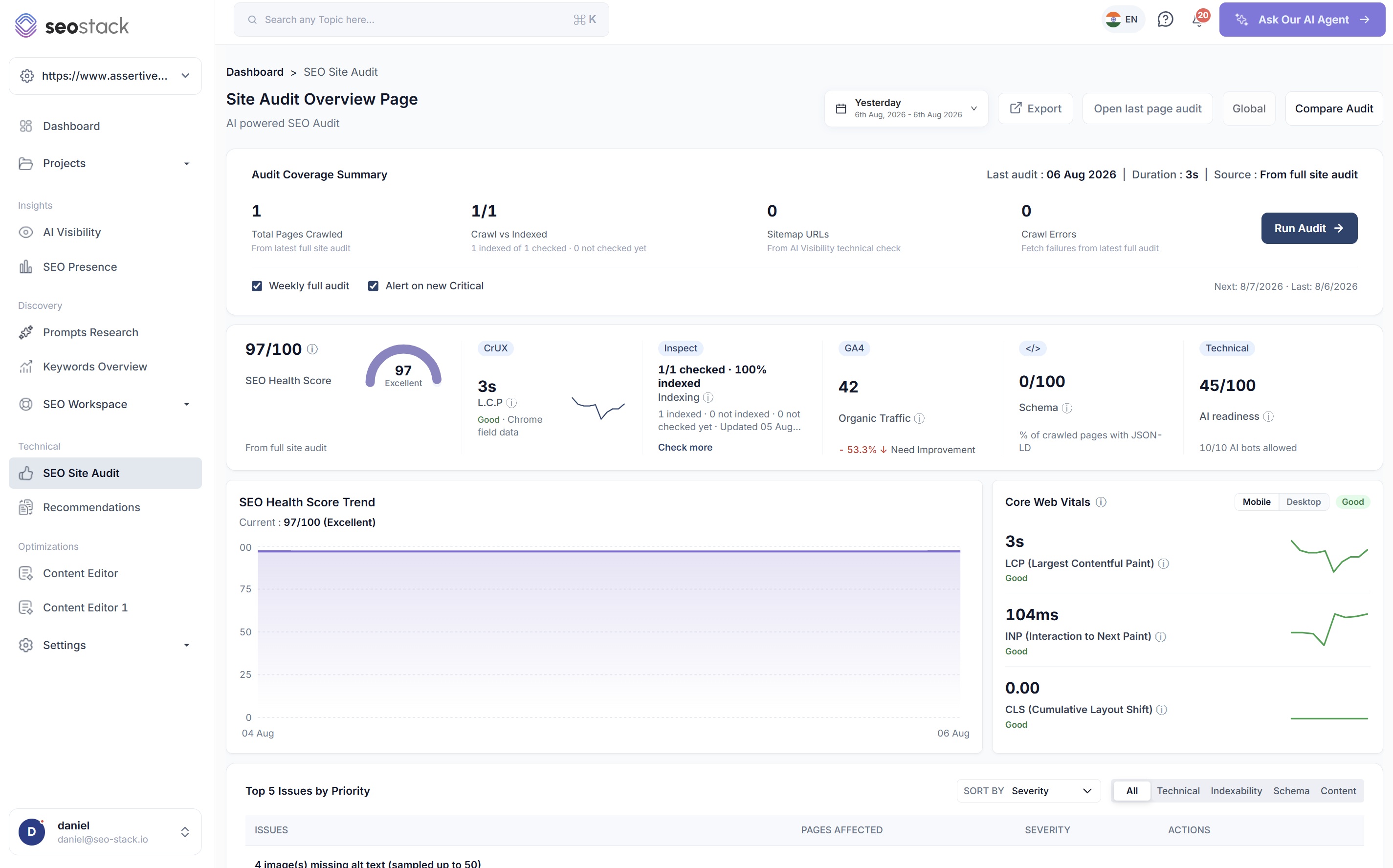
Open section- SEO Site Audit: crawl a website and investigate technical issues
- Page Indexing: interpret Google index signals for crawled URLs
- Recommendations: prioritise SEO opportunities and follow fix guides
3 articles
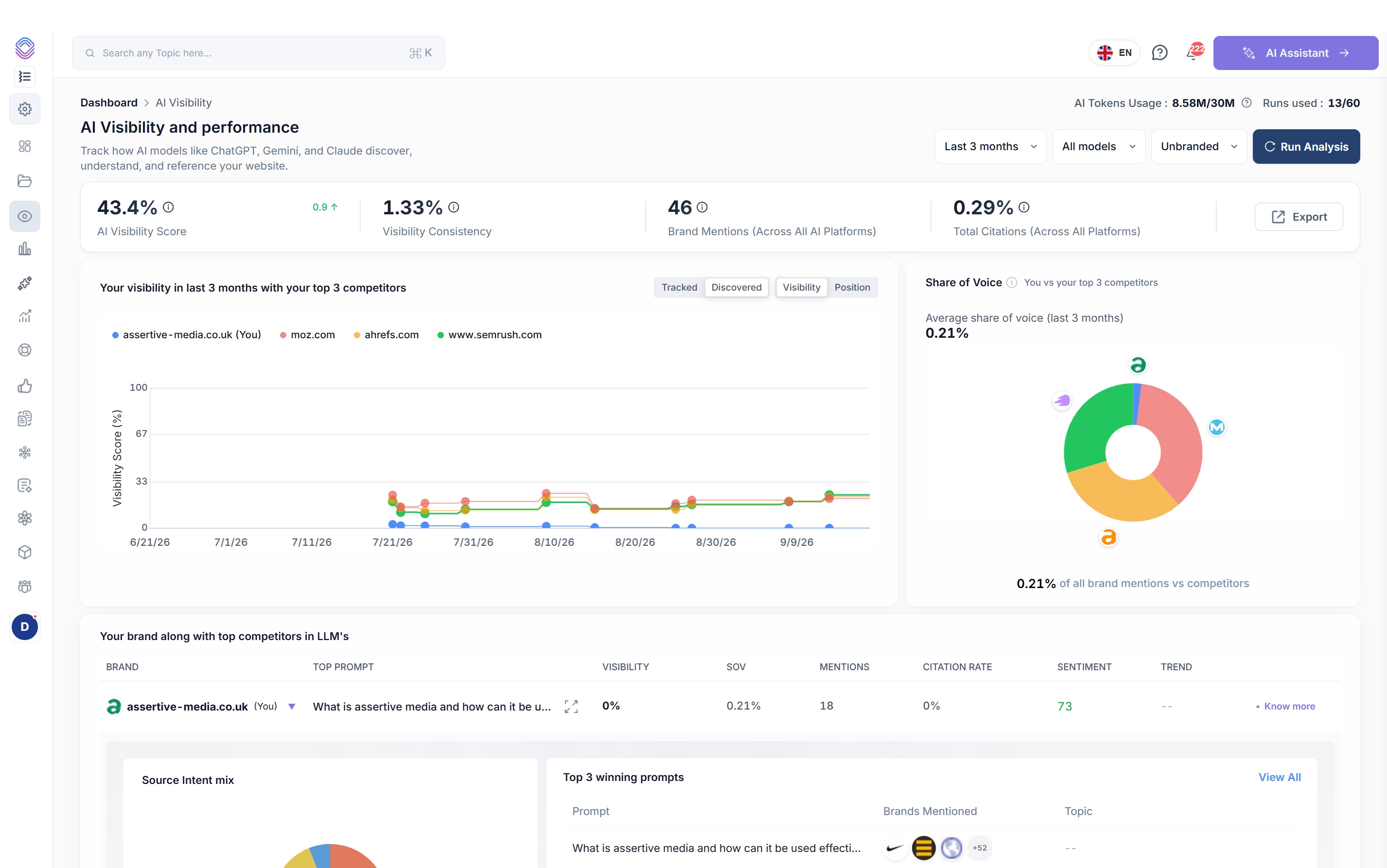
Open section- AI Visibility: monitor mentions, citations and competitor gaps
- Prompt Research: organise questions and monitor AI answers
- How to Setup Prompt Tracking for AI Visibility
3 articles
Open section1 article
Open section- Annotations: record SEO changes and baseline metrics
- Task Manager: organise SEO work, deadlines and project notes
- Website Settings: configure your market, topics, competitors and groups
3 articles
Open section1 article
Open section- Team Members: manage access to website workspaces
- Account Management: preferences, usage, billing and support
2 articles
Open section1 article
Open sectionMore articles on the way
46 articles are up so far and the library is being written out across every part of the platform. In the meantime each tool has its own page, and the video guides cover the main workflows end to end.
Connect a property. Watch the data start stacking.
Warehousing begins the moment you connect your Search Console property, there is no Google Cloud project to set up, no BigQuery and no schema to design. You simply connect your property and SEO Stack starts storing every row of your data from that day onwards.
- Credit card required
- Cancel within the trial and you won't be billed
- No contracts